In a world where calendars overflow and notifications never stop, to-do list apps have become quiet infrastructure. They shape how work moves, how households run, and how personal goals survive a busy week. Yet the decision that trips people up is rarely which app to pick. It is whether the free plan will hold up once responsibilities multiply. Free To-Do List Apps can feel surprisingly capable at first. However, as soon as tasks sprawl across work, family, and side projects, small limitations start to create daily friction. That friction shows up as missed reminders, constant reshuffling, or a system that feels “almost right” but not reliable. Paid To-Do List Apps promise relief, although an App Subscription only makes sense when it produces measurable Time Management gains. Consequently, the best upgrade decisions depend on clear thresholds: project limits, reminders, advanced views, collaboration needs, and the value of faster capture. This article treats App Upgrading as an operations choice, not a personal failure. Moreover, it uses real-world scenarios to show when a paid tier truly reduces risk and when a free plan remains the most professional option.
- Free To-Do List Apps often cover capture, due dates, priorities, and sync, so personal use can stay free for a long time.
- Upgrading becomes compelling when limits create repeat friction: project caps, missing reminders, and restricted custom views.
- Cost vs Benefit looks different for a solo user than for a manager coordinating a small team with shared accountability.
- Todoist’s free plan is unusually generous, while its Pro tier at about $4/month is priced as a low-risk upgrade for serious Task Management.
- Some fully free options (Microsoft To Do, Google Tasks, Apple Reminders) can outperform paid tools if your workflow stays simple.
- Before paying, run a two-week “friction audit” to identify which feature gaps are actually costing time.
Before comparing plans, it helps to see what typically changes after the upgrade. The next section breaks down the App Features Comparison points that matter in day-to-day operations.
Free vs Paid To-Do List Apps: What “Worth It” Really Means in Daily Task Management
Most people evaluate Productivity Tools by scanning feature lists. However, the more reliable method is to track moments of failure. A free plan stops being “enough” when it causes dropped commitments or constant rework. Therefore, “worth it” should mean fewer missed deadlines, cleaner planning, and less time managing the manager.
Consider a practical thread that runs through many households and small teams. A fictional operations coordinator, Dana, manages vendor emails at work, supports an aging parent’s appointments, and still wants time for health goals. At first, a free app works. Then, the system starts to bend under three pressures: more categories, more urgency, and more coordination with others. As a result, the question shifts from “Does it have checkboxes?” to “Does it prevent preventable mistakes?”
User Experience: How friction shows up before you notice it
User Experience problems often look like personality problems. Someone thinks, “Why can’t you just check the list?” Yet the tool may be the real issue. For instance, if an app lacks reminders, the system assumes constant manual checking. That assumption rarely holds during travel days, sick days, or meeting-heavy stretches.
Likewise, limited custom views can force you to scan everything. That scanning cost seems small, although it adds up. Consequently, the “free plan tax” often arrives as attention drain, not an obvious missing feature.
Cost vs Benefit: translating dollars into time and risk
A simple way to evaluate Cost vs Benefit is to price one missed commitment. If a missed follow-up costs an hour of repair work, a $4/month upgrade can pay for itself quickly. On the other hand, if tasks are low-stakes and self-contained, the free tier may remain the best choice.
Moreover, cost is not just money. Switching apps costs cognitive energy. Therefore, upgrading within a familiar tool can be cheaper than migrating to a “better” platform with a steeper learning curve.
When “free” is the most professional option
Free does not mean flimsy. Microsoft To Do, Google Tasks, and Apple Reminders can cover capture, due dates, recurring tasks, and cross-device syncing without an App Subscription. Consequently, if your workflow stays close to “today’s list,” these tools can feel calmer than feature-heavy alternatives.
That calm matters. A smaller tool can reduce decision fatigue, which improves execution. The key insight is simple: free is ideal when the workflow stays stable and the stakes stay modest.
Todoist Free vs Pro vs Business: App Features Comparison That Actually Changes Outcomes
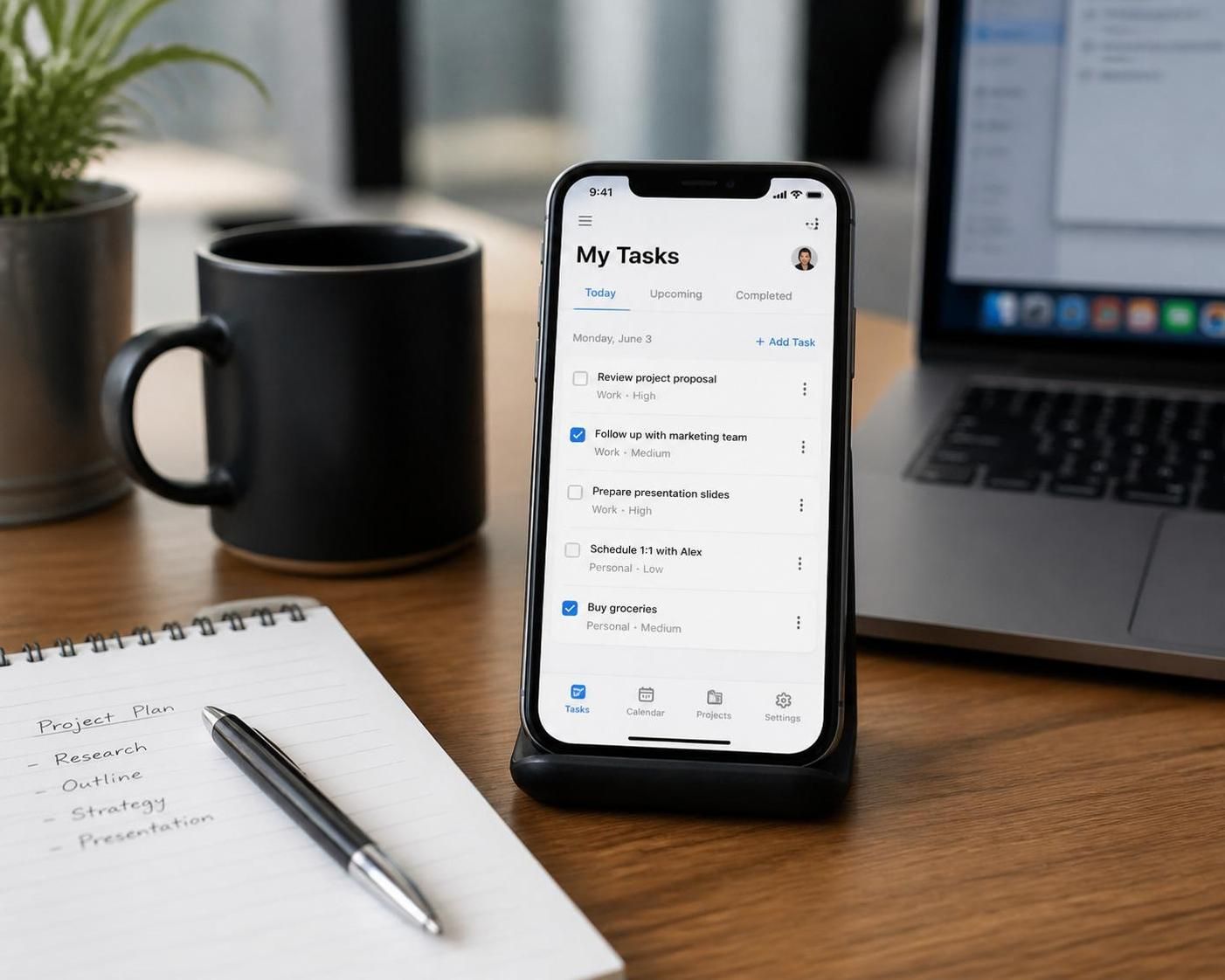
Todoist remains a common reference point because its free plan is unusually usable. Moreover, its paid tiers are priced lower than many broader suites. That combination makes it a helpful lens for App Upgrading decisions, even if a different tool is ultimately chosen.
Todoist Free: strong basics with one major ceiling
Todoist’s free plan includes cross-platform sync, quick capture, natural language dates, and priority levels. It also supports basic integrations such as Google Calendar. Therefore, it can function as a central list rather than a temporary trial.
Where the ceiling arrives is structure. The free tier allows 5 active projects and 5 collaborators per project. It also includes only 3 filters and about a week of activity history. Consequently, a user with distinct workstreams can hit the project cap sooner than expected.
In Dana’s case, “Work Ops,” “Family Admin,” “Health,” “Home Maintenance,” and “Side Consulting” already fill the quota. Any new initiative becomes a reshuffle. That reshuffle steals momentum, so the tool starts dictating structure instead of supporting it.
Todoist Pro at about $4/month: the upgrade triggers that matter
Todoist Pro raises active projects from 5 to roughly 300, which removes the most common constraint. It also expands filters from 3 to about 150. As a result, users can build views like “Calls,” “Errands,” “Deep Work,” or “Waiting On,” without constant compromise.
Reminders become the headline change. The free plan does not include them, while Pro adds both time-based and location-based reminders. Therefore, the upgrade directly supports reliability, not just convenience. If a medication pickup, client check-in, or school form has consequences, reminders reduce risk.
Pro also adds unlimited activity history, a calendar-style layout, task duration estimates, and AI-assisted features such as suggestions and “Smart Schedule.” These features help heavy users plan realistic days. Moreover, auto-backups and priority support can matter when the app becomes operational infrastructure.
Todoist Business at about $6/user/month: when shared accountability becomes the real need
For teams, the pain is rarely the task list itself. Instead, it is unclear ownership and scattered updates. Todoist Business adds admin roles, centralized billing, a team inbox, shared projects, and team activity logs. Consequently, it fits small teams that want structured visibility without adopting full project management software.
However, it will not replace tools designed for complex dependencies. Therefore, a marketing studio shipping multi-asset campaigns may still prefer a broader platform, while an operations team managing recurring checklists may thrive in Todoist Business.
A quick plan snapshot for decision-making
| Plan | Best for | Key limits or unlocks | What changes day-to-day |
|---|---|---|---|
| Todoist Free | Personal task lists, light projects | 5 active projects, 3 filters, no reminders | Works well if you check the app often |
| Todoist Pro (~$4/month) | Multi-area life management, serious solo work | 300 projects, 150 filters, reminders, calendar layout, AI scheduling | System becomes proactive and easier to scale |
| Todoist Business (~$6/user/month) | Small teams needing shared visibility | Team inbox, admin roles, team logs, larger collaboration limits | Fewer “Who owns this?” moments |
Seeing the tiers in one place helps. Next, it becomes easier to compare Todoist’s upgrade value against other Free To-Do List Apps and Paid To-Do List Apps that compete on different strengths.
Beyond Todoist: How Free To-Do List Apps and Paid To-Do List Apps Differ Across the Market
A market comparison works best when it avoids brand loyalty. Instead, focus on what each tool optimizes: speed, hierarchy, collaboration, or all-in-one workspaces. Therefore, the right choice depends on the type of work, not the loudest feature list.
Fully free options that stay credible under pressure
Microsoft To Do often shines for people already living in Outlook. It can sync tasks with Microsoft services and handle recurring items. However, it can feel too simple if you need advanced hierarchy or team collaboration. Consequently, it works best for personal execution rather than shared project tracking.
Google Tasks and Google Keep also remain popular. Keep behaves more like quick notes and lightweight lists. Meanwhile, Google Tasks fits simple action lists tied to Gmail and Calendar. These choices can be excellent Productivity Tools when the goal is fast capture and minimal setup.
Paid upgrades that justify themselves through specialized workflows
TickTick appeals to users who like structure and built-in focus aids such as a Pomodoro timer and time tracking. However, its free tier can feel tight, so buyers should test carefully before committing. As a result, TickTick often suits users who want one app for tasks and focus cycles.
Things and OmniFocus cater to users who enjoy carefully designed personal systems. Things stays within the Apple ecosystem, which can be a benefit if you want consistency across Mac and iPhone. OmniFocus goes deep on GTD-style organization. Nevertheless, both can feel like overkill for someone who simply needs shared lists and reminders.
Tools that blur the line between to-do apps and project platforms
Notion can replace multiple tools by combining documents, databases, and task boards. That flexibility can reduce tool sprawl. However, it can also raise setup overhead. Therefore, it fits teams with an appetite for designing their own workspace.
ClickUp and Asana lean further into project management. They can handle more complexity, although their paid tiers often start higher per user than Todoist Pro. Consequently, they suit teams that need timelines, dependencies, and multi-layer reporting.
Where Quire fits in an upgrade conversation
Quire stands out for nested task structures. It supports deep hierarchies that mirror how big goals break into sub-goals. It also offers multiple views, collaboration, and integrations. Therefore, it can serve both personal planning and team execution without forcing users into a heavy interface.
For Dana, a nested structure can reduce clutter. A “Move Apartments” project can contain subtasks for utilities, packing, donations, and address changes. As a result, the project stays readable without losing detail.
Pricing reality check: why “cheap” can still be wrong
Todoist Pro at roughly $4/month often undercuts many competitors. For context, some popular platforms price paid tiers closer to $7 to $11 per user per month, depending on the product. However, the cheapest option is not always the best. If a team needs permissions, approvals, or dependency tracking, paying more can reduce operational risk.
In other words, choose the tool that removes the bottleneck you actually have. The next section outlines a practical method to identify that bottleneck before you pay.
Because the decision often feels emotional, a short diagnostic can make it much easier. That diagnostic starts with measuring friction in real weeks, not ideal ones.
App Upgrading Decision Framework: A Two-Week Friction Audit for Time Management
Many people upgrade after a bad week. That reaction is understandable. However, it can lead to paying for features that never get used. A better approach is a short “friction audit” that captures what actually breaks. Therefore, the upgrade becomes a targeted fix, not a hopeful purchase.
Step 1: Track the moments when the system fails
For two weeks, note every time the to-do system causes extra work. Did something get missed because there was no reminder? Did a task disappear because it lived in the wrong project? Did planning take too long because there was no workable view? Consequently, you collect evidence instead of vibes.
Dana’s list might include: forgetting a recurring insurance call, losing a follow-up buried in a long list, and wasting time recreating the same view every Monday. Each item points to a specific feature gap.
Step 2: Map each failure to one feature, then to one plan
This step turns chaos into an App Features Comparison that matters. For example, missed deadlines often map to reminders. Confusing priorities can map to custom filters. Too many categories can map to project limits. As a result, the upgrade case becomes clear and defensible.
Common friction patterns and what fixes them
| Friction pattern | What it costs | Feature that usually fixes it | Typical plan type |
|---|---|---|---|
| Forgetting time-sensitive tasks | Repair work and stress | Time and location reminders | Paid To-Do List Apps or paid tier |
| Too many life areas for one list | Clutter and avoidance | More projects, labels, or better hierarchy | Often a paid tier |
| Daily scanning takes too long | Lost focus time | Advanced filters and saved views | Usually paid tier |
| Team follow-ups fall through | Missed handoffs | Shared projects, roles, activity logs | Business/team plan |
| Tool feels heavy and distracting | Lower execution rate | Simpler UI and fewer options | Free To-Do List Apps may win |
Step 3: Calculate the “subscription break-even” in minutes
An App Subscription becomes reasonable when it saves measurable time. If a $4/month plan saves 20 minutes per week, the math usually works. Moreover, if it prevents one missed bill, forgotten appointment, or delayed client response, it can pay for itself in a single incident.
That said, time saved must be real. If the upgrade only adds features that invite tinkering, it can backfire. Therefore, the best upgrades reduce choices and automate routine decisions.
Step 4: Set boundaries so the tool stays a tool
After upgrading, decide which features matter. Use reminders for true commitments, not every minor task. Build a small set of filters that match how days are lived: “Today,” “Next,” “Errands,” and “Waiting.” Consequently, the system stays stable, which protects your Time Management.
The insight that closes the audit is straightforward: pay when the tool prevents repeat failure, not when it merely looks more powerful.
With the decision framework in place, the final piece is addressing the specific questions that tend to come up right before someone upgrades.
When is App Upgrading from free to paid genuinely worth it?
Upgrading is worth it when a free plan creates repeat friction that costs time or causes missed commitments. Common triggers include needing reminders, hitting project limits, relying on advanced filters, or coordinating shared work where ownership must stay clear.
Is Todoist Pro at about $4/month a good Cost vs Benefit choice?
For many serious users, yes. The jump from 5 to about 300 projects, the addition of reminders, and the expansion from 3 to about 150 filters can remove daily bottlenecks. If those limits already cause workarounds, the Pro tier tends to pay for itself quickly in saved time.
Can Free To-Do List Apps be enough for professional use?
Yes, especially when the workflow stays simple and stable. Tools like Microsoft To Do or Google Tasks can work well for personal execution, recurring items, and straightforward lists. However, if you need proactive reminders, rich custom views, or structured collaboration, paid tiers often become the more reliable option.
What should be tested before committing to an App Subscription?
Run a two-week friction audit. Track missed tasks, time spent scanning lists, and moments when collaboration breaks down. Then match each pain point to a specific feature, such as reminders, filters, hierarchy, or team roles. That process keeps the purchase tied to outcomes, not curiosity.

With over 30 years of experience, I specialize in streamlining operations and enhancing productivity. As an Operations Consultant and Editor at EfficientToDoList.com, I am passionate about helping individuals and organizations manage their tasks more effectively.